How AI Agents Verify an Action Worked
How AI Agents Verify an Action Worked
AI agents verify an action by checking fresh evidence that the requested outcome now exists—not by assuming a click, keystroke, or successful tool response completed the task.
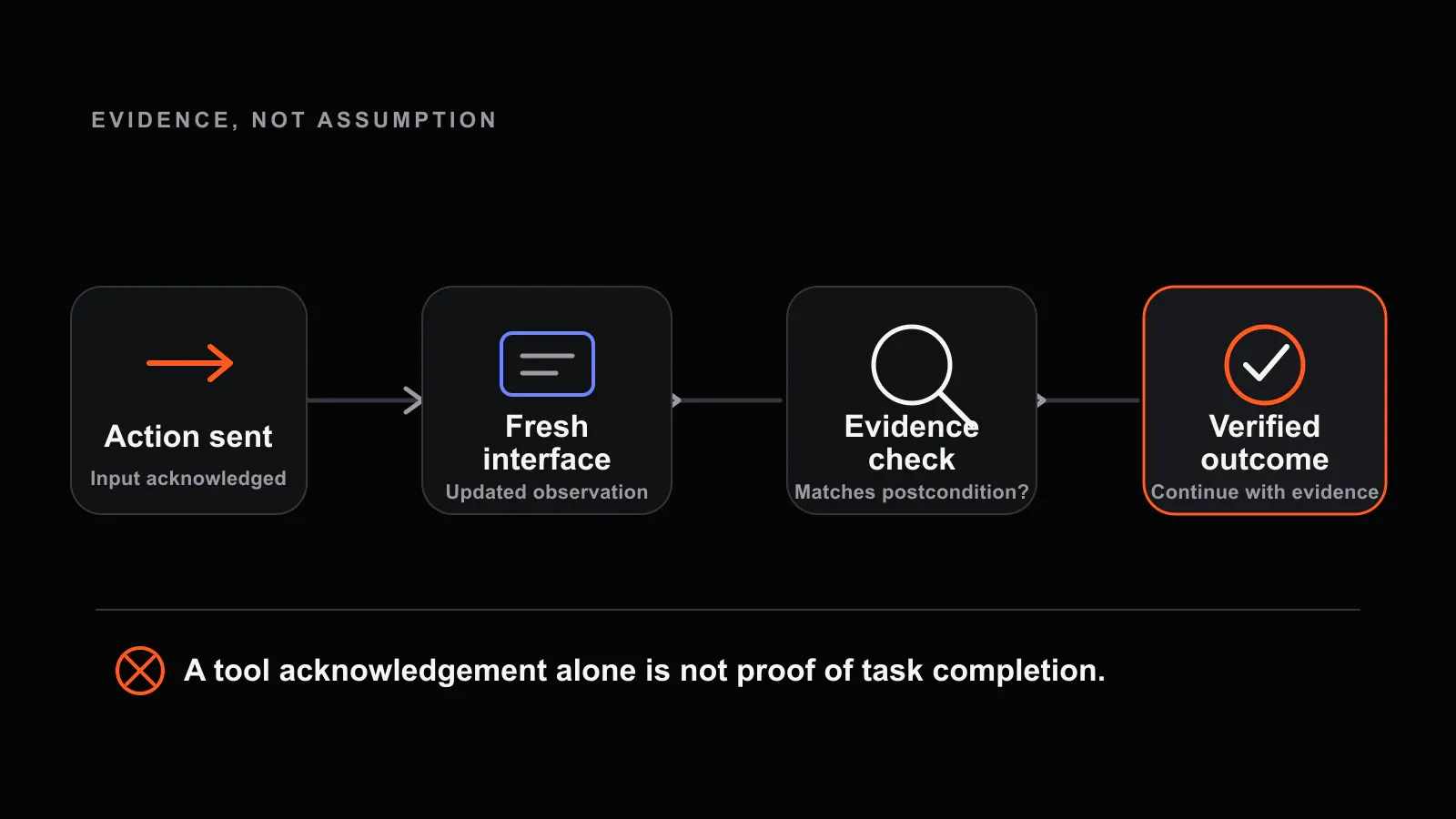
That distinction matters because an input can be delivered while the task still fails. A tap may land on the wrong control. A save request may be accepted but rejected by a later validation rule. A timeout may occur after a state-changing request reached the application, making a blind retry unsafe.
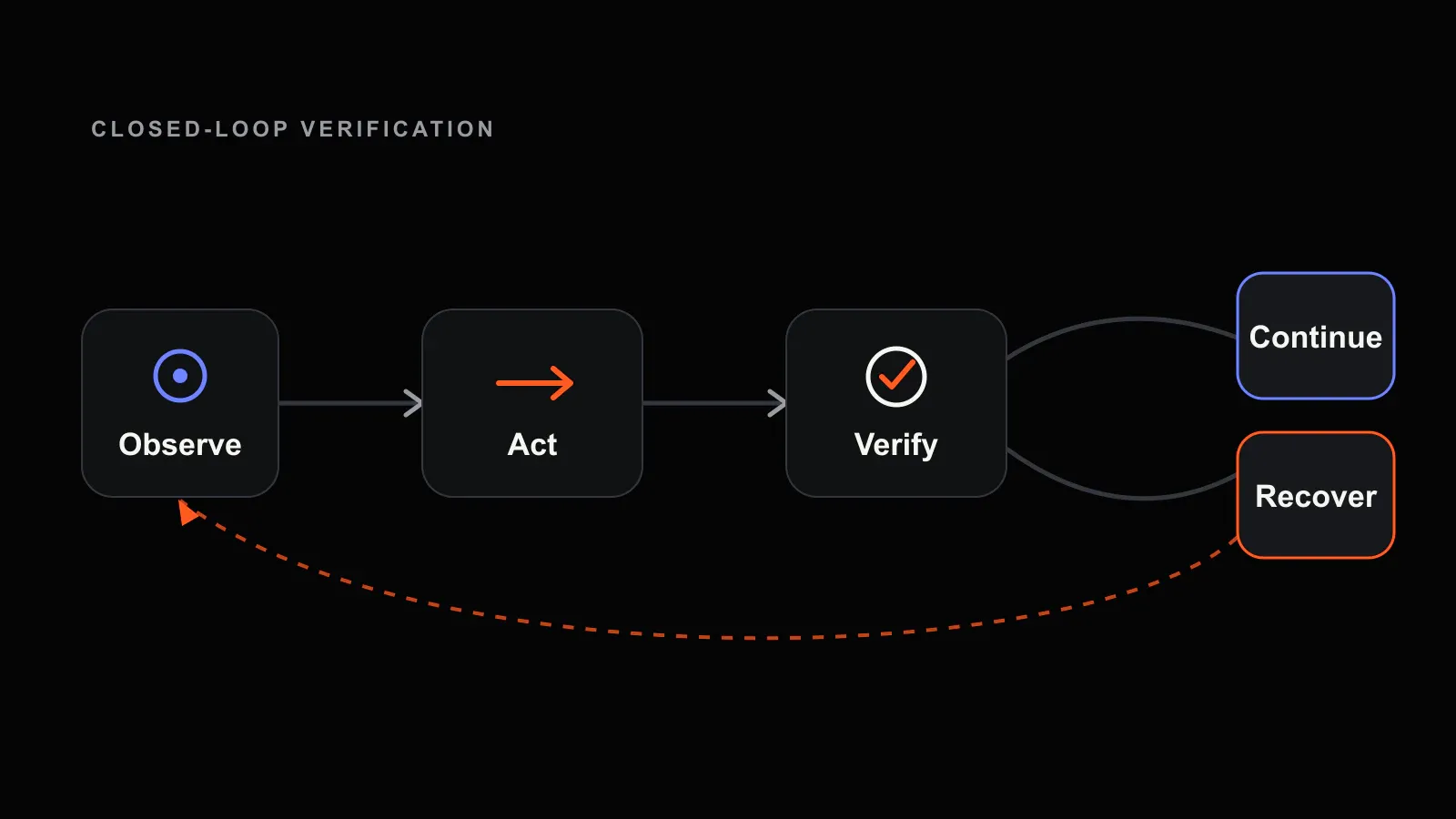
Reliable verification therefore needs three things: a defined postcondition, a new observation after the action, and an explicit result such as verified, failed, partial, or uncertain. This closed loop improves AI-agent reliability without pretending that every interface exposes perfect evidence.
Why an Attempt Is Not Proof of Success
Consider a simple request: rename notes.txt to project-notes.txt. The agent may open the rename dialog, enter the new name, and submit it. Every input may appear successful while the final result is still wrong because:
- A naming conflict prevented the change.
- The agent edited a different file with a similar name.
- The interface accepted the text but did not persist the update.
- A delayed process is still running.
- The file moved to an unexpected location.
The useful question is not “Did the input event run?” It is “What evidence shows that the intended state now exists?”
The difference becomes clearer when a workflow is separated into layers:
| Layer | What it means | Example | Why it is insufficient alone |
|---|---|---|---|
| Action attempted | The agent asked a tool or device to do something | Send a tap event | The target may not receive it |
| Action executed | The control layer reports that it sent the input | USB HID input was emitted | The input may land on the wrong target |
| Action accepted | The app or service received the request | A save request was submitted | The request may fail validation later |
| Task completed | The requested outcome is true | The renamed file appears in the folder | The result may not yet be durable |
| Durable outcome | The outcome remains true after a refresh or follow-up read | The file retains its new name after reopening the folder | This is the strongest practical evidence when available |
The WebDriver standard makes a related distinction in browser automation. Interaction checks can help establish whether an element is reachable for a pointer action, but they do not prove that the broader application workflow succeeded.
For a physical AI agent, the gap is especially important. A system working through visible smartphone or computer interfaces may have to reason from screenshots, rendered text, interface state, and other observable signals. It should not convert an input acknowledgement into an unsupported success claim.
A useful rule is to define success before acting. Instead of defining a task as “click Save,” define it as “the draft title appears in the draft list after navigating away and returning.” The second statement is a postcondition: an observable condition that should be true after success.
Postconditions and Evidence Signals
A postcondition turns a request into a checkable outcome. For example, “turn on a display preference” is an instruction. A stronger postcondition is: “The setting with the requested label shows an enabled state, and remains enabled after leaving and reopening the settings screen.”
The right evidence depends on the workflow. A visible UI change may be useful without proving persistence. A database record may be more authoritative but unavailable to an agent operating only through the interface.
| Evidence signal | What it can establish | Example | Important limitation |
|---|---|---|---|
| Visible UI state | The interface changed as expected | A toggle changes from off to on | The state could be temporary |
| Confirmation message | The app displayed an acknowledgement | “Draft saved” appears | It may indicate submission rather than durable completion |
| Screenshot comparison | The expected visual state appeared | A file list shows the new name | Pixel changes may not reveal hidden state |
| OCR or rendered-text check | Expected or error text is visible | “Renamed successfully” is detected | Small or dynamic text can be misread |
| Accessibility tree or UI hierarchy | A semantic property changed | A control reports checked=true |
Availability differs by platform and app |
| API read-after-write | A record exists after an update | A follow-up query returns the changed record | Not available in UI-only workflows |
| File or system metadata | A durable record changed | A file exists at the new path | The agent may lack permission to inspect it |
| Trace or audit event | A downstream step completed | A job reports a completion event | A log may represent intent rather than final outcome |
| Human confirmation | A person recognizes the result as correct | The user confirms the setting | Adds friction and needs clear context |
The strongest practical checks use more than one signal when the consequences justify it. An agent might verify a rename by checking both the visible file list and the target path. It might verify a saved draft by reading a confirmation and then reopening the drafts list to find the expected title.
This does not mean every reversible navigation step needs redundant checks. Evidence strength should match the cost of being wrong. Ambiguous, persistent, or consequential changes deserve stronger corroboration or visible human review.
Verification decision path
The source workflow can be implemented as a compact decision sequence:
| Step | Decision |
|---|---|
| Observe current state | Capture enough pre-action context to distinguish a new outcome from existing state |
| Define the postcondition | State what must be true, where, for which object, and within what time |
| Perform a bounded action | Limit scope so the result is easier to audit and recover |
| Collect fresh evidence | Obtain a new screenshot, structured read, or system response |
| Compare evidence with the postcondition | Classify the result as verified, failed, partial, or uncertain |
| Continue or recover | Proceed, correct an authorized failure, re-observe, retry safely, or request review |
Freshness is essential. Reusing a pre-action screenshot or treating an old confirmation banner as current evidence produces false confidence. Evidence should be associated with the relevant attempt through timestamps, frame metadata, or trace context where those signals are available.
The Closed-Loop Verification Process
Reliable automation is a feedback problem. The agent observes state, acts, checks the resulting state, and adjusts when the evidence differs from what it expected. A practical loop has seven parts:
- State the goal as a postcondition. Define what should be true after the action, including the relevant object, location, persistence requirement, and deadline.
- Capture the pre-action state. Record the screen, UI hierarchy, metadata, or system record needed to identify a genuine change.
- Perform a bounded action. Smaller operations are easier to validate and safer to recover.
- Collect fresh post-action evidence. Wait for a meaningful condition when possible, then gather a new screenshot or structured result.
- Compare the evidence with the postcondition. Prefer deterministic checks where available.
- Classify the result. Return verified, failed, partial, or uncertain rather than collapsing every outcome into success or failure.
- Recover safely or stop. Re-observe, use an alternate authorized route, retry only when safe, request user input, or end with the available evidence.
The classification matters because uncertainty is not failure. A timeout may mean the action failed, succeeded, or is still processing. Without a reliable follow-up observation, the system does not know which state applies.
Verified, Failed, Partial, or Uncertain
| Result | Meaning | Example | Appropriate next step |
|---|---|---|---|
| Verified | Evidence supports the defined outcome | The renamed file exists at the target path | Continue and retain the evidence |
| Failed | Evidence contradicts the expected outcome | An inline error says the name is unavailable | Report failure or make an authorized correction |
| Partial | Some requested sub-goals succeeded, but the whole task did not | A draft exists but is in the wrong folder | Report the completed and incomplete parts |
| Uncertain | Evidence is missing, stale, delayed, or conflicting | A save timed out with no follow-up state | Re-observe, check state, or seek review |
This separation makes the verification layer testable. Developers can measure whether the system reaches the correct classification, not merely whether it can select an interface target.
Safe Retries After an Uncertain Outcome
Retries need special care. If an action may already have succeeded, repeating it can create duplicates or reverse the intended state. Distributed systems address this with idempotency keys, request identifiers, and read-after-write checks. The IETF HTTP semantics specification and AWS guidance on safe retries explain why clients should not casually repeat state-changing requests whose outcome is unknown.
The UI equivalent is to inspect current state before retrying:
- Before creating another draft, search for the expected title.
- Before renaming again, look for both the old and new filenames.
- Before replaying a navigation sequence, capture a fresh screen and identify where the workflow stopped.
- Before toggling a control, verify its current value; repeating the same gesture may undo a successful change.
An acknowledgement proves that an input tool ran. It does not prove that the task completed.
Verification When Interfaces Fail or Change
Real interfaces load slowly, show pop-ups, expire sessions, change layouts, and return ambiguous confirmation messages. A verifier needs explicit responses to those conditions.
| Failure mode | What may have happened | Detection signal | Safer response |
|---|---|---|---|
| Stale screen | The agent is looking at an old frame | Frame age, timestamp, or unchanged state | Capture a fresh observation |
| Loading delay | The app is processing asynchronously | Loading indicator or missing target state | Wait within a deadline, then classify uncertainty |
| Mis-targeted input | A tap reached the wrong control | Unexpected screen transition | Re-ground the target; avoid repeated blind taps |
| Modal interruption | A prompt blocked the workflow | Dialog, overlay, or changed focus | Pause or handle only authorized prompts |
| Session change | The app moved to login or reauthorization | Login fields or authorization error | Request human handoff |
| Validation error | The requested change violates a rule | Error text or structured response | Correct only when intent is clear and authorized |
| Partial completion | One sub-step worked | Mixed evidence across sub-goals | Report exact completed and incomplete state |
| Hidden downstream failure | The UI accepted a request but later processing failed | Follow-up read or status check | Re-check before claiming success |
| Duplicate risk | The outcome was lost after a timeout | Existing matching result | Do not repeat until state is checked |
Every recovery path should be bounded. Define a deadline, retry limit, and stop condition rather than looping indefinitely. The gRPC guidance on deadlines describes the value of explicit limits in distributed calls; the same idea applies to real-device automation.
Instead of sleeping for a fixed interval after pressing Save, an agent can wait until the requested value appears, a validation error becomes visible, a loading indicator ends, or the deadline expires. If the deadline passes without useful evidence, “completion could not be confirmed” is more accurate than an unsupported success claim.
Verification in Physical AI-Agent Workflows
Physical AI agents work through the visible interfaces people use. They may observe a device display, send an input, and collect a post-action frame, but none of those events alone proves the user-requested outcome.
Aico Link is an open-source hardware platform being developed for Aico in compatible real-device workflows. Its documented architecture can observe a compatible target device through HDMI capture and deliver input through USB HID. Compatible video output and USB HID input are required; the platform does not imply universal device or app support.
The separation illustrates a general engineering fact: control-path success and outcome verification are different problems. A USB HID service may successfully emit a pointer or keyboard report while the verification layer still needs to determine whether the fresh screen matches the intended postcondition.
The current Aico Link documentation supports several relevant behaviors:
- The frame service can trigger a fresh on-demand capture when the agent requests a screenshot.
- Supported USB HID actions return a post-action screenshot; the documentation instructs the agent to confirm screen changes before proceeding and to avoid duplicate clicks.
- Human handoff ends the current turn when private input, approval, judgment, or an unsupported action requires the user. After the user returns, the agent observes again before continuing.
For a deeper view of how images become grounded interface actions, see How Multimodal Agents Turn Screenshots Into Actions and the Aico UI grounding documentation.
These mechanisms reduce uncertainty in supported configurations. They do not guarantee that every action on every device or application can be verified. Capture conditions, compatibility, app behavior, and the available evidence remain environment-dependent.
When evidence is weak, the safer path is to pause rather than invent certainty.
Testing Verification Separately From Task Execution
An agent that reaches the right screen is not necessarily an agent that can confirm task completion. Tests should evaluate the action and verification layers separately.
Each test should define the starting state, user intent, expected postcondition, acceptable evidence, persistence requirement, deadline, retry policy, and expected response to ambiguity. Controlled test accounts, disposable files, and reversible fixtures make actual outcomes easier to inspect. For a broader real-device testing framework, see How to Benchmark Mobile AI Agents on Real Devices and Real Devices vs Emulators.
A focused edge-case set should include stale frames, delayed loading, overlapping controls, validation errors, permission prompts, capture loss, timeouts after possible acceptance, and partial completion.
Measure verification errors separately:
| Measure | What it reveals |
|---|---|
| Verification false positive | The agent reports success although the postcondition is false |
| Verification false negative | The agent reports failure or uncertainty although the postcondition is true |
| Partial-completion classification | The agent recognizes that only part of the task succeeded |
| Unsafe retry rate | The agent repeats an action despite possible prior completion |
| Escalation quality | The agent pauses when evidence or authority is insufficient |
| Recovery-loop behavior | The agent stays within retry and time limits |
False positives are especially damaging because they tell the user a requested change happened when it did not. A conservative uncertain result is often better than a confident but unsupported claim.
Human Review When Evidence Is Not Enough
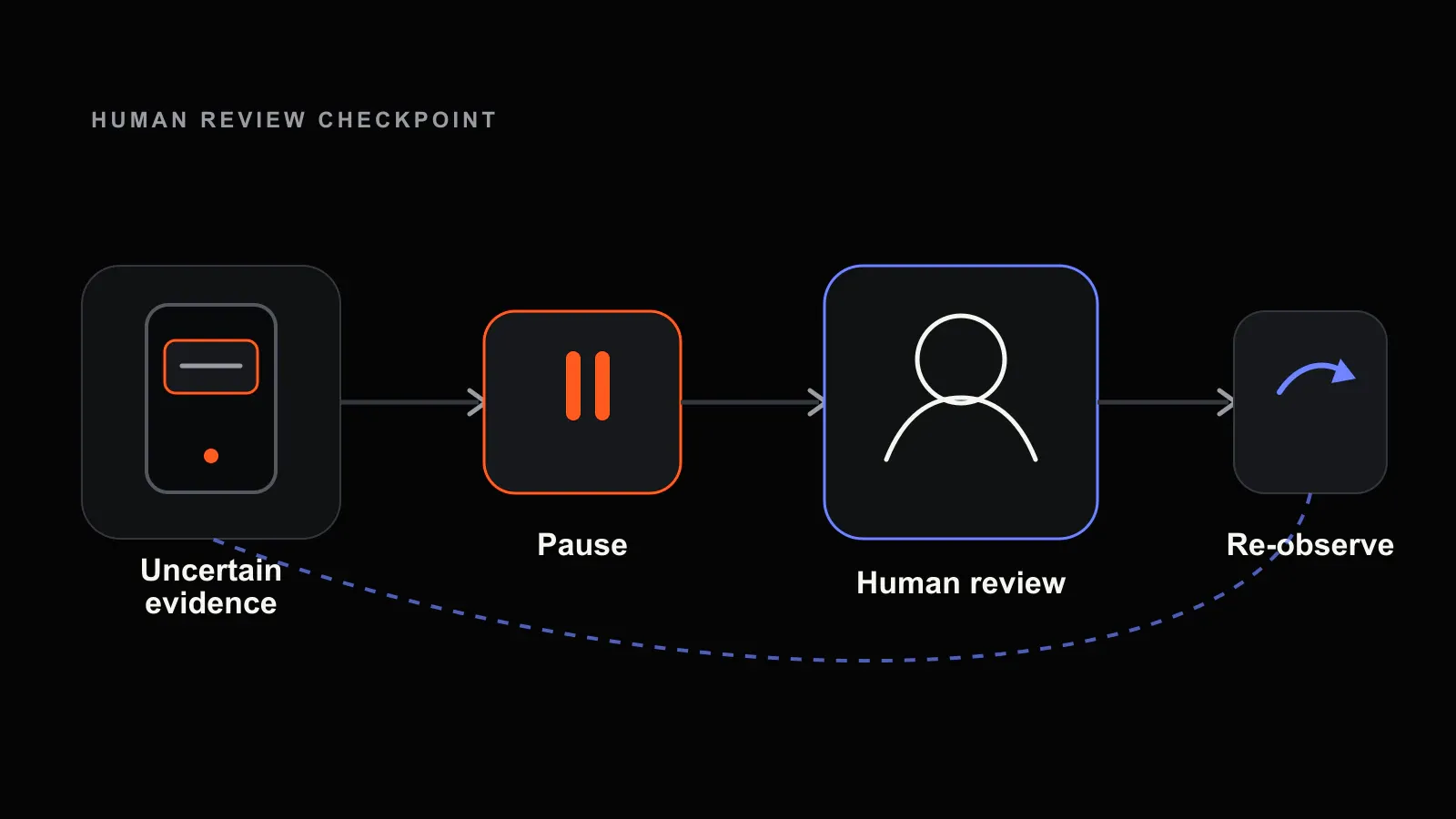
Human review should be part of the control design, not an afterthought. It is appropriate when a step needs private input, user approval, contextual judgment, or evidence the agent cannot safely obtain.
The agent should expose what it attempted, what it observed, why the result remains uncertain, and what the user needs to review. After the person acts, the agent should collect a fresh observation rather than treating “done” as sufficient evidence. The dedicated guide to Human-in-the-Loop AI Agents explains pause, handoff, redirection, and recovery in more detail.
For low-impact, reversible actions, a well-supported verification result may be enough to continue. For consequential or ambiguous actions, the safer design is to pause for visible confirmation, redirection, or cancellation. This aligns with the governance and monitoring principles in the NIST AI Risk Management Framework.
The central rule is simple: an AI agent should report success when the evidence supports the requested outcome, not merely when it completed an input sequence.
Explore the Aico Link documentation for current technical details, join the Aico Discord community, or explore the Aico Link repository. Reproducible reports are most useful when they include the starting state, action trace, expected postcondition, and observed result.
Related posts
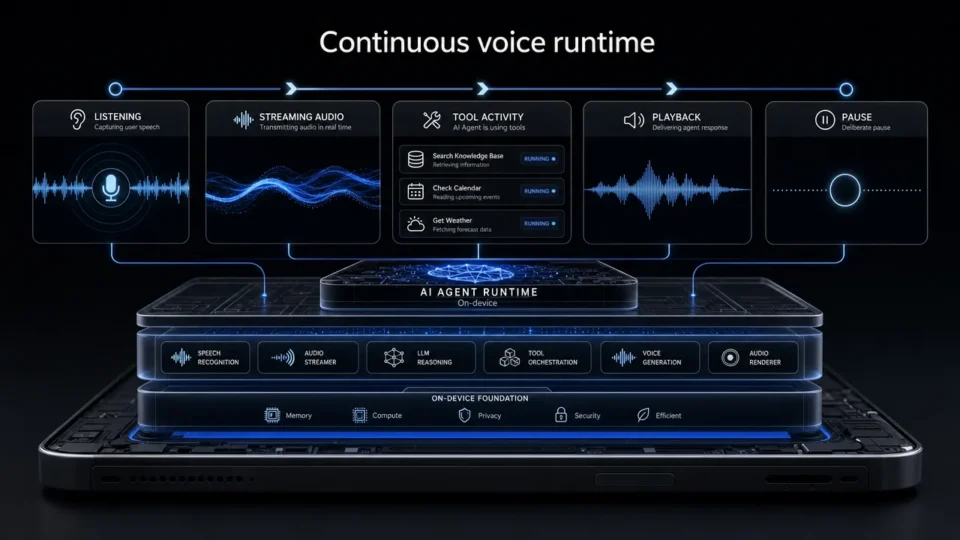
Aiden Adds Full-Duplex Voice and Interruptible Agent Tasks
Explore how Aiden’s full-duplex AI agent runtime supports streaming voice, tool interruption, and pause/resume task control states.
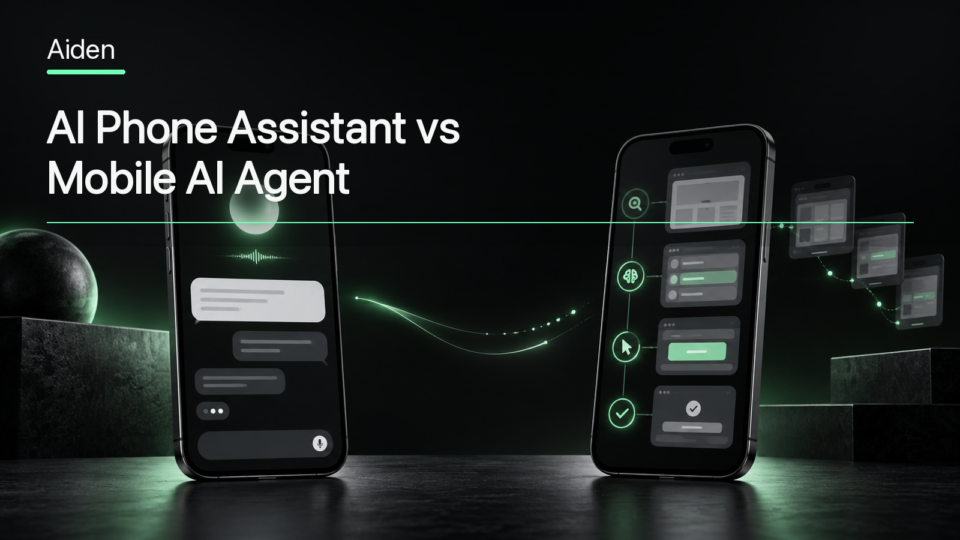
AI Phone Assistant vs Mobile AI Agent: What’s the Difference?
AI phone assistant vs mobile AI agent: compare planning, device control, human oversight, and multi-step task execution across real-device workflows.
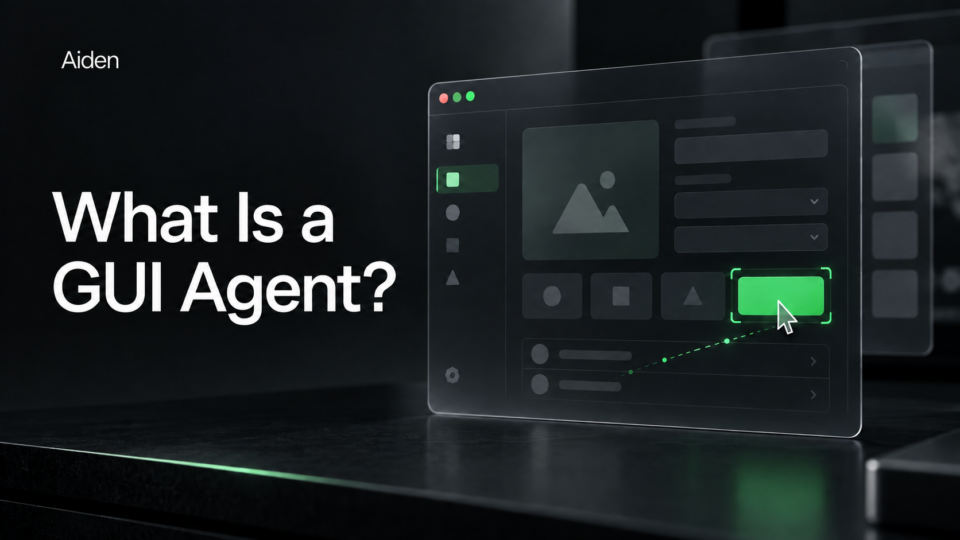
What Is a GUI Agent? How AI Reads and Acts on Interfaces.
See how a GUI agent observes interfaces, grounds targets, executes actions, and verifies outcomes, with testing methods and stopping rules.